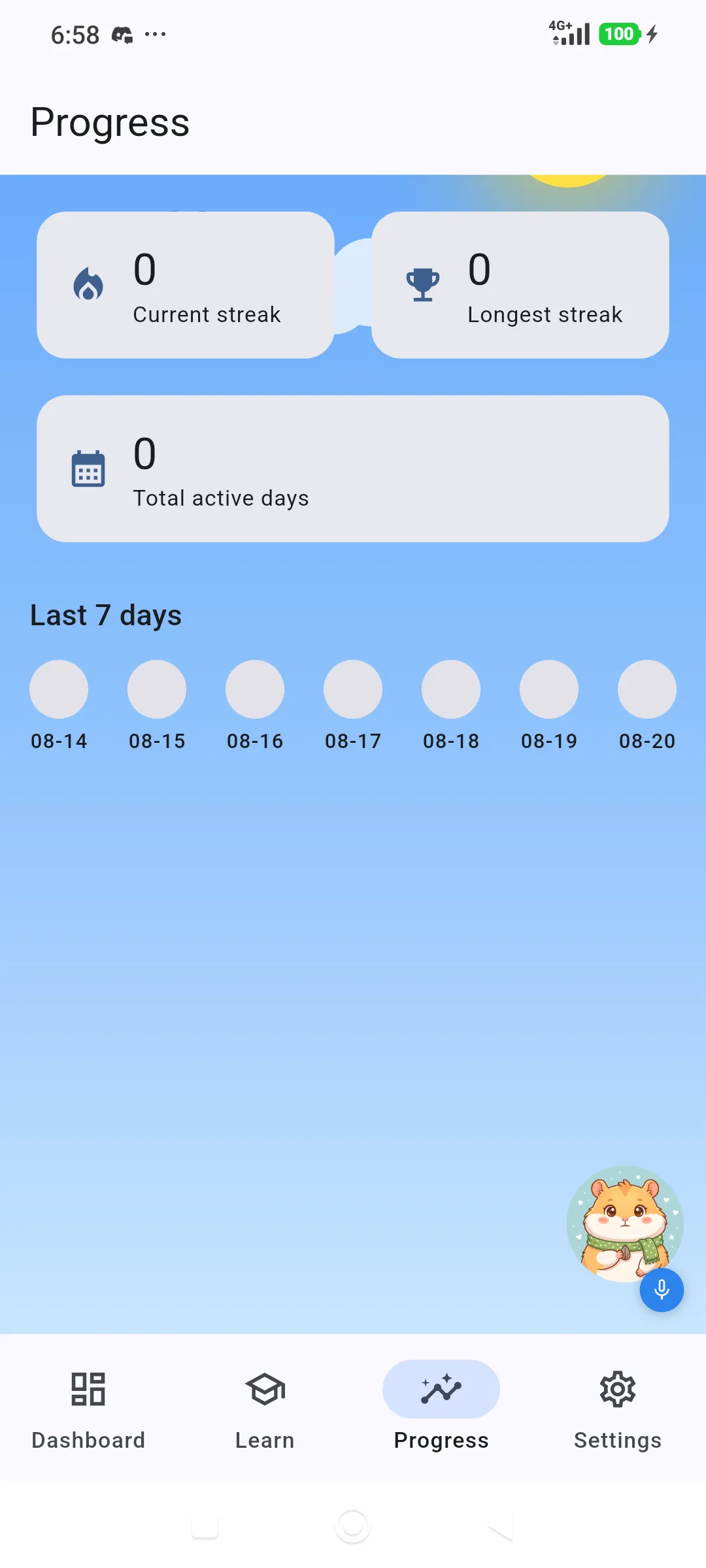
Desktop / Android · Released
Laras
A language learning app that keeps working with no signal, on desktop and Android.
Why it matters
What makes it stand out.
Learn anywhere, without using data
Lessons are stored on the device, so a session keeps going on a train, in an area with weak signal or when the data plan has run out.
Practise speaking, not only memorising
Speech recognition scores pronunciation word by word, so learners get feedback on what they actually said.
Audio never leaves the device
Recordings are processed locally and are not uploaded. Privacy is kept without giving up the feature.
Already released and still updated
A Windows installer and Android APK are available to download, with six desktop releases published within ten days.
The problem
Most language apps assume a stable connection and lean on vocabulary drills. Learners on a commute, in a rural area or on a limited data plan lose access exactly when they have time to practise, and drills alone do not build speaking confidence.
Who it is for
Self-directed learners in Indonesia who study on a phone during the day and a laptop in the evening, often on an unreliable connection.
Key features
Lessons that run offline
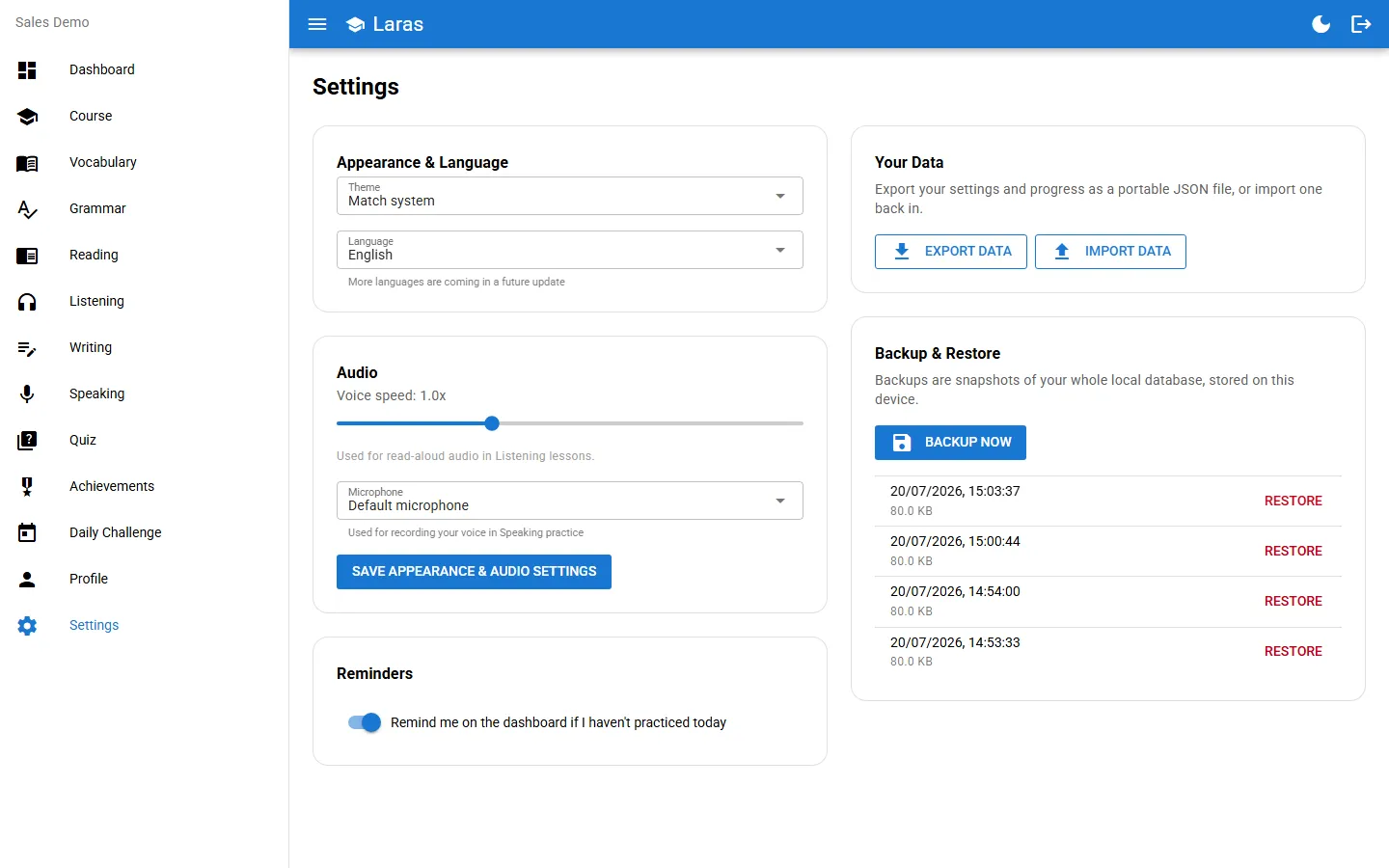
Learning material is stored on the device, so a session starts and finishes without a network. Progress is sent to the server in the background once the device is online again.
Six practice modes
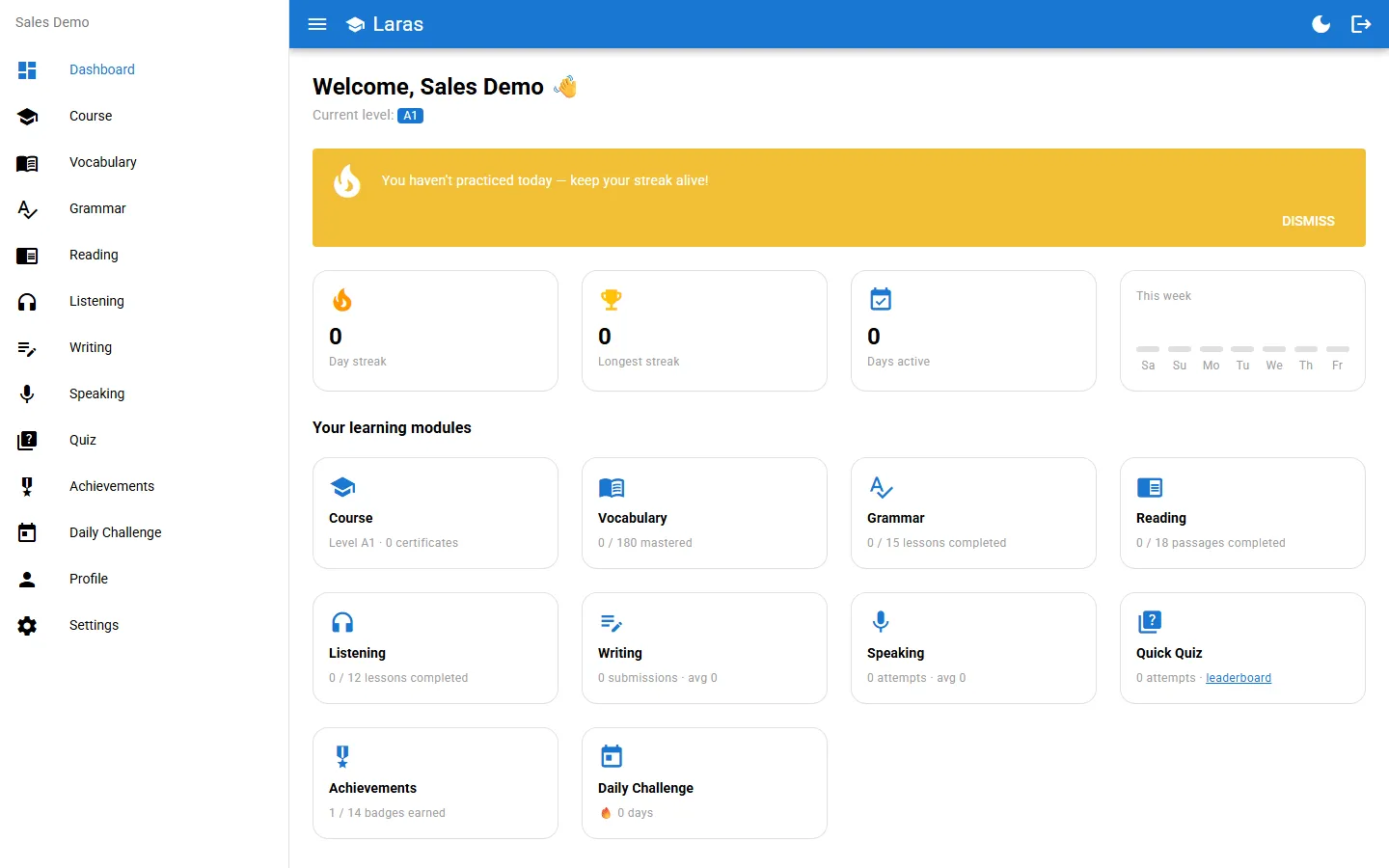
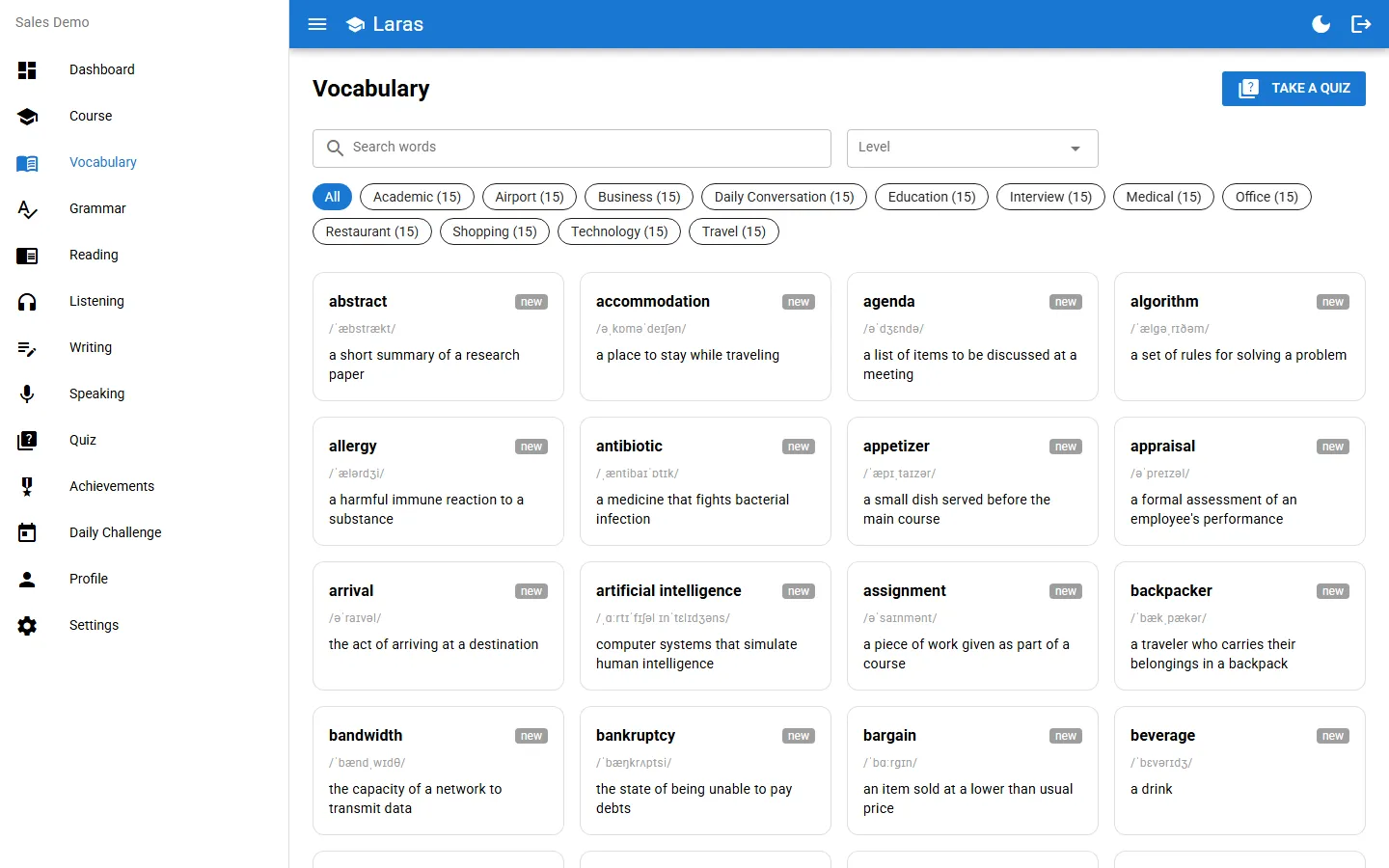
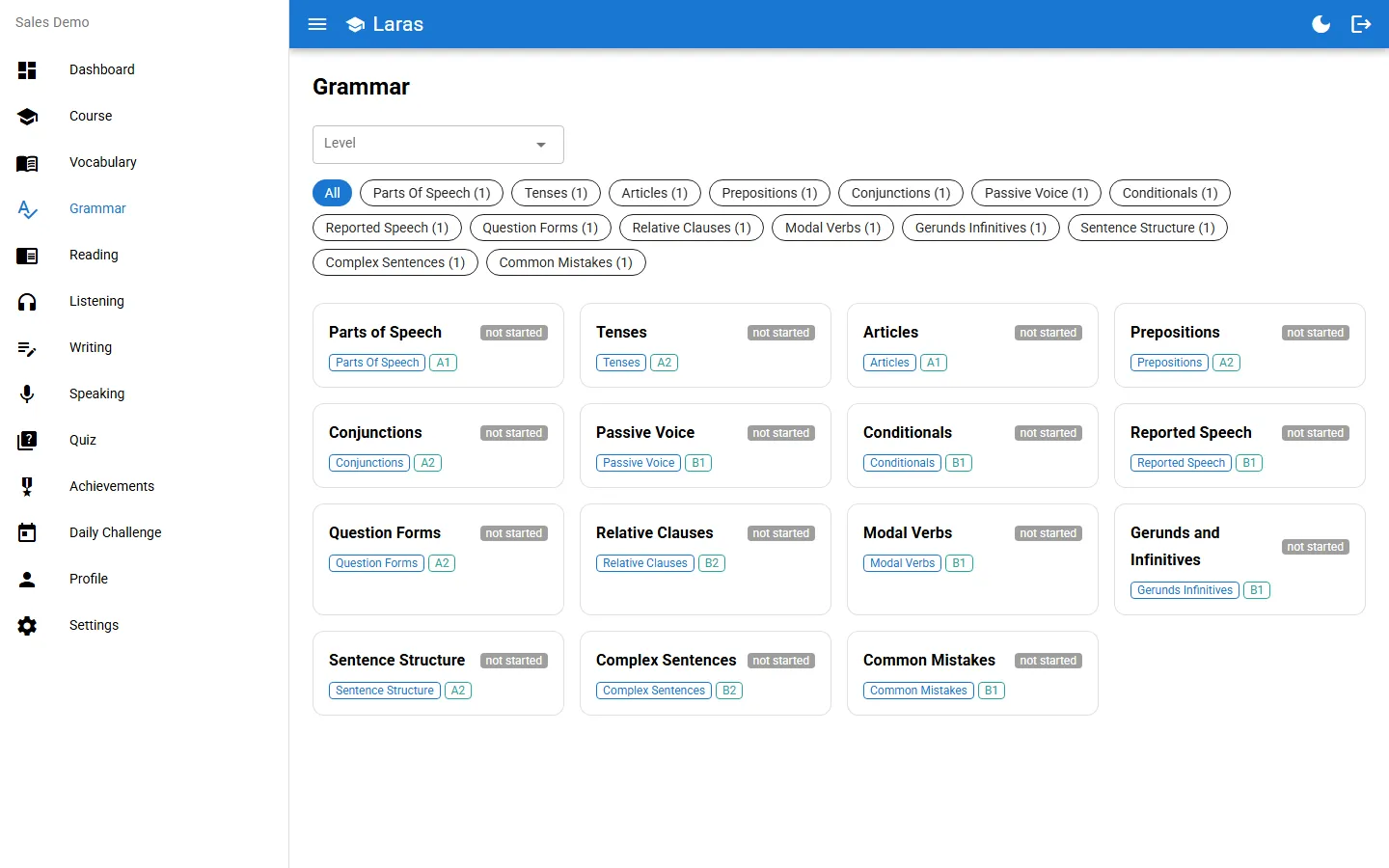
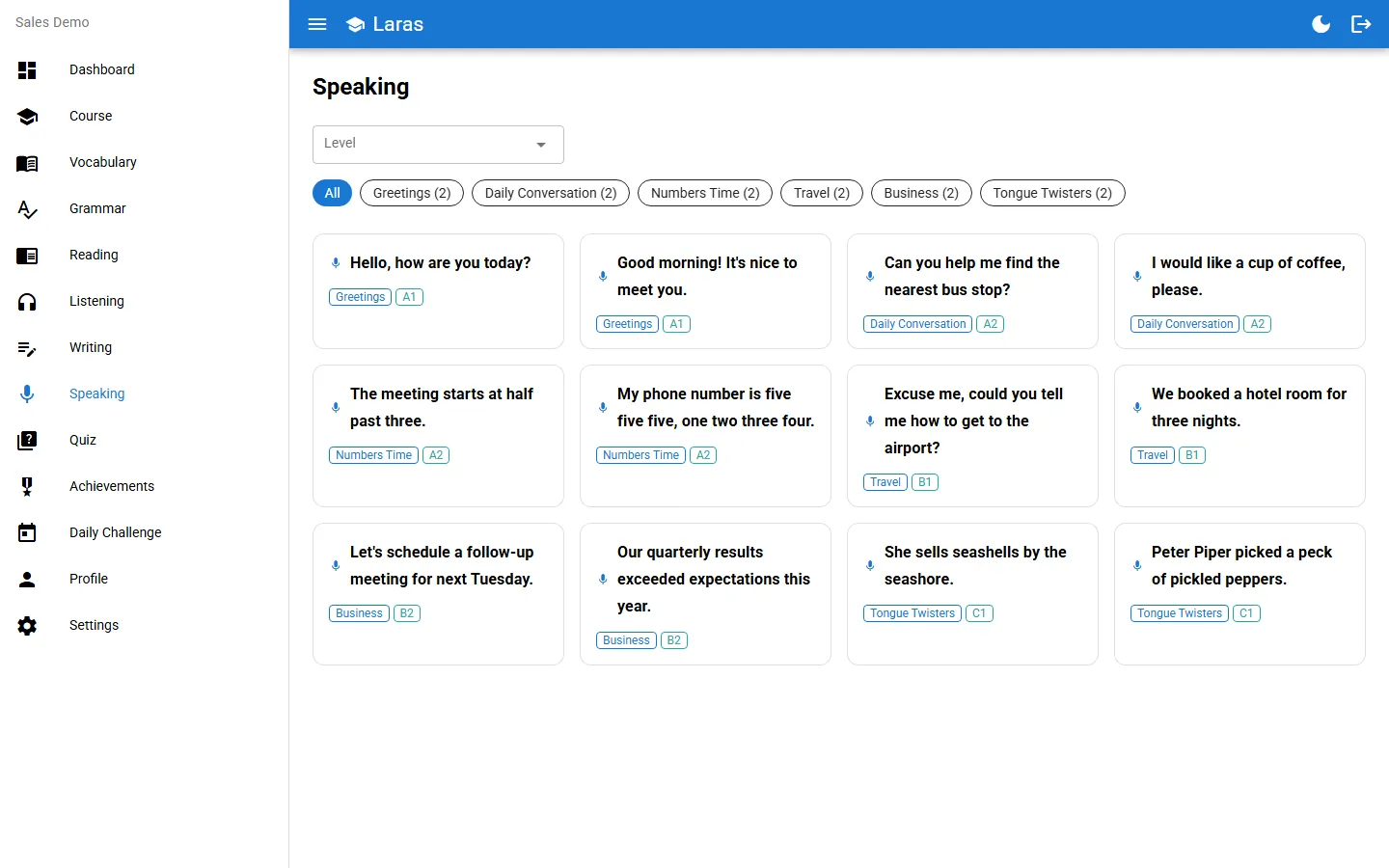
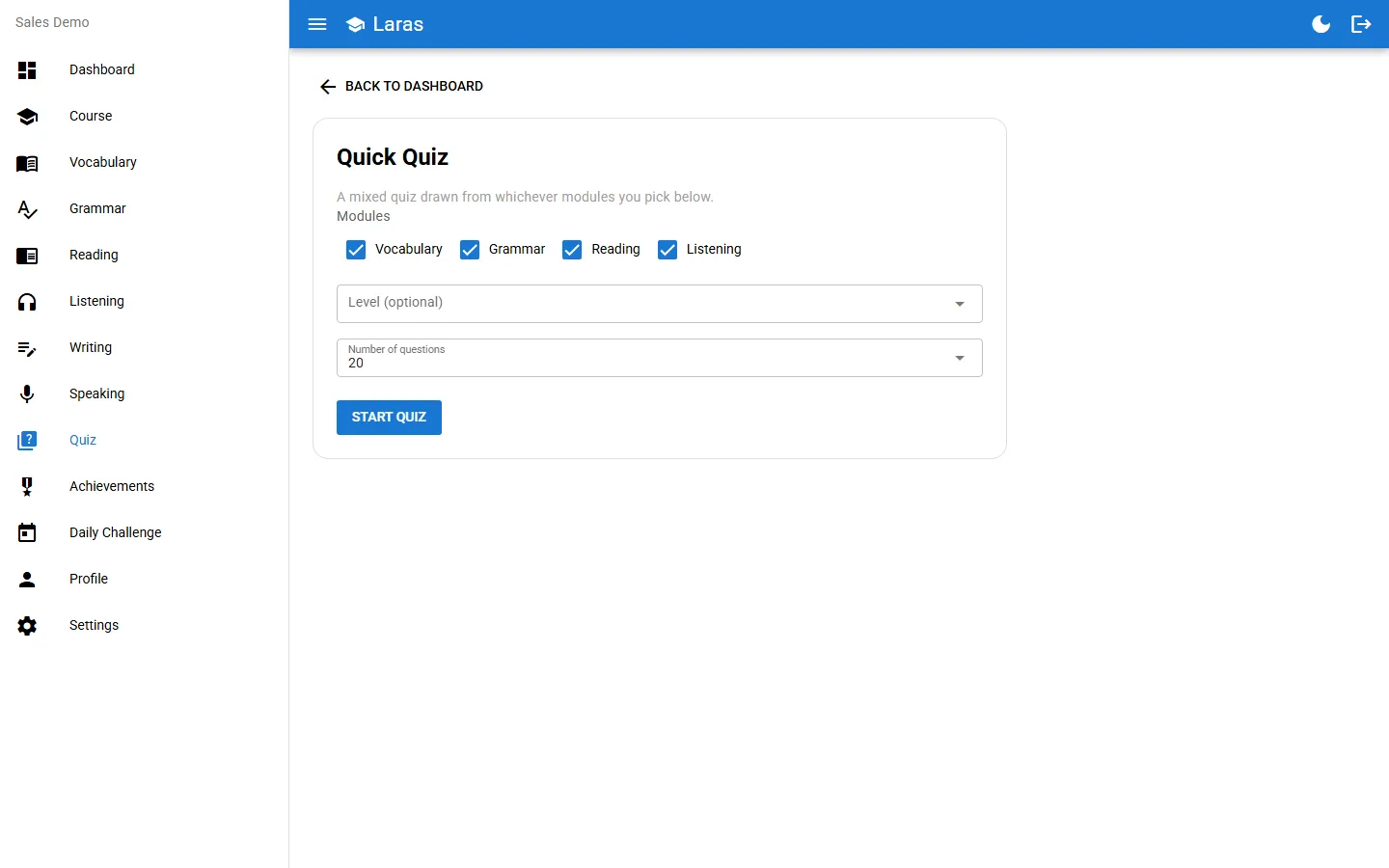
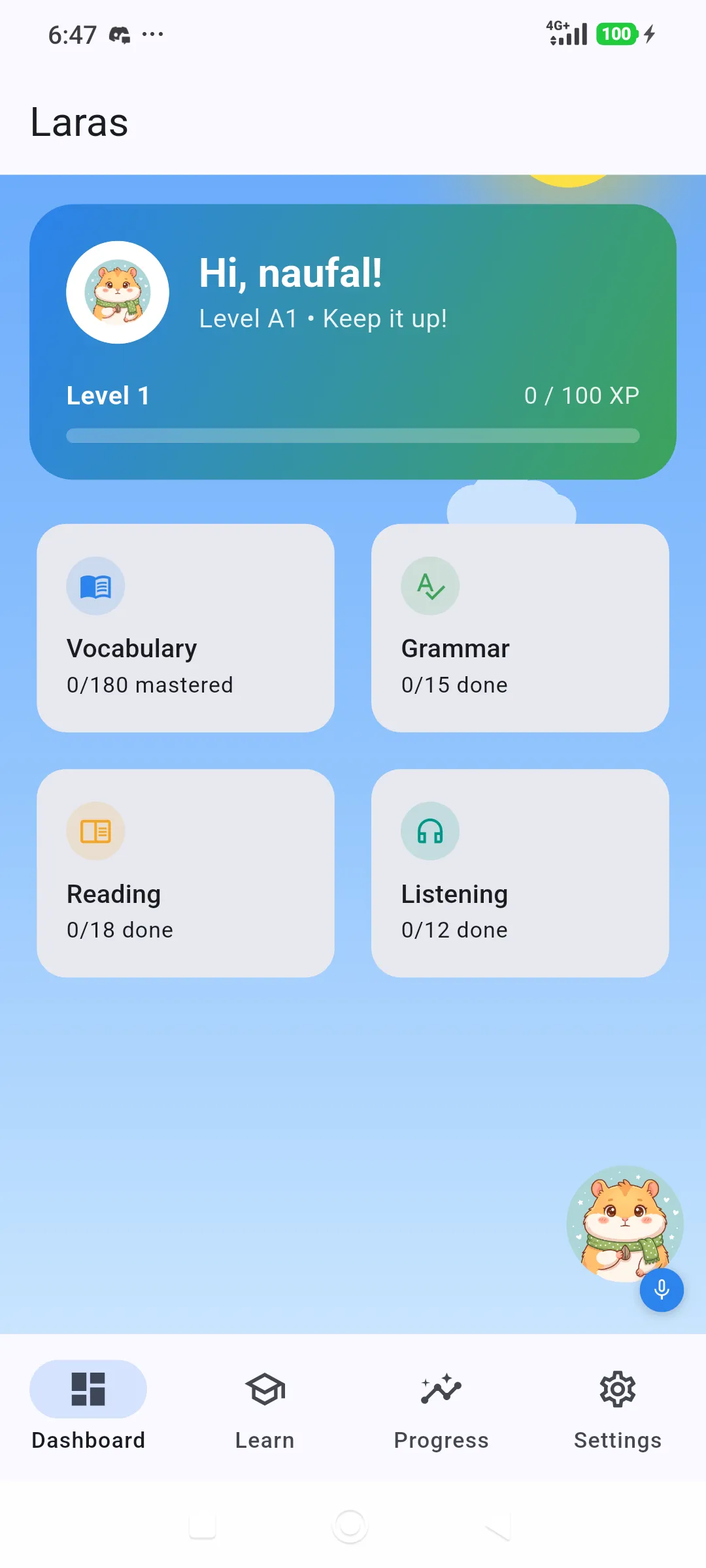
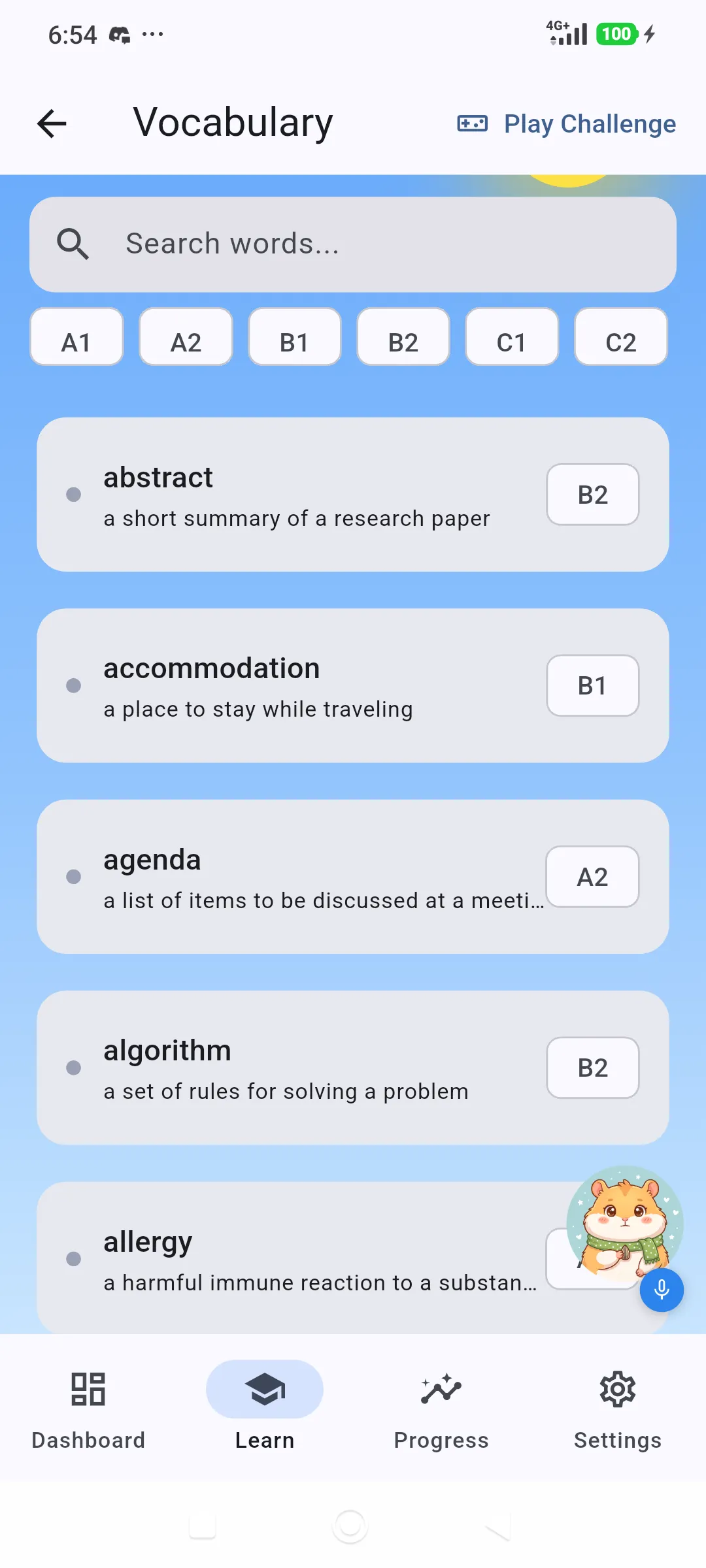
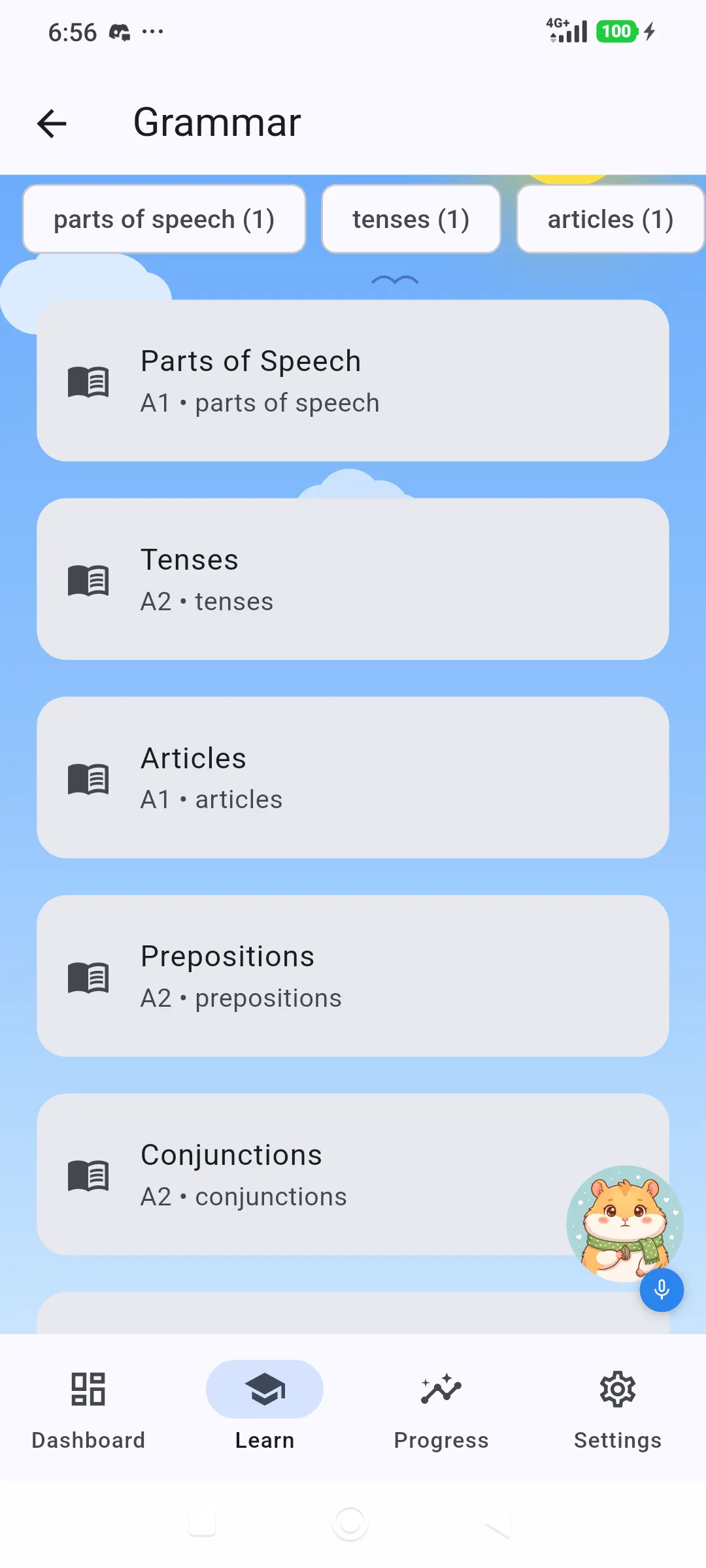
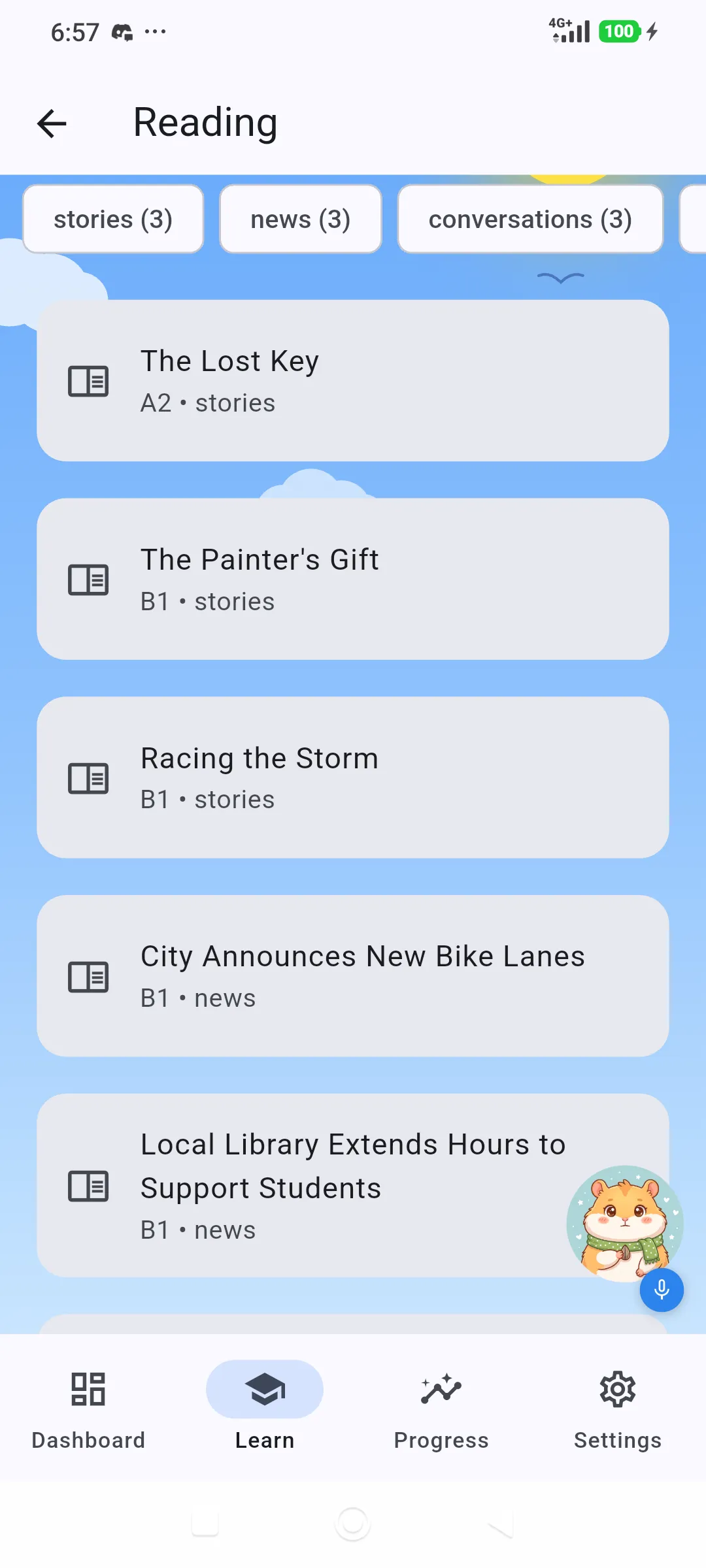
Vocabulary, grammar, reading, listening, writing and speaking, each with its own exercises and per-lesson best score.
Pronunciation scoring on the device
Spoken answers are transcribed locally by the Vosk recogniser and compared word by word with the target phrase. Audio is not uploaded.
Writing feedback without a server
A rule-based checker flags spelling, article, punctuation and subject-verb agreement problems and scores each submission.
Levels, tests and certificates
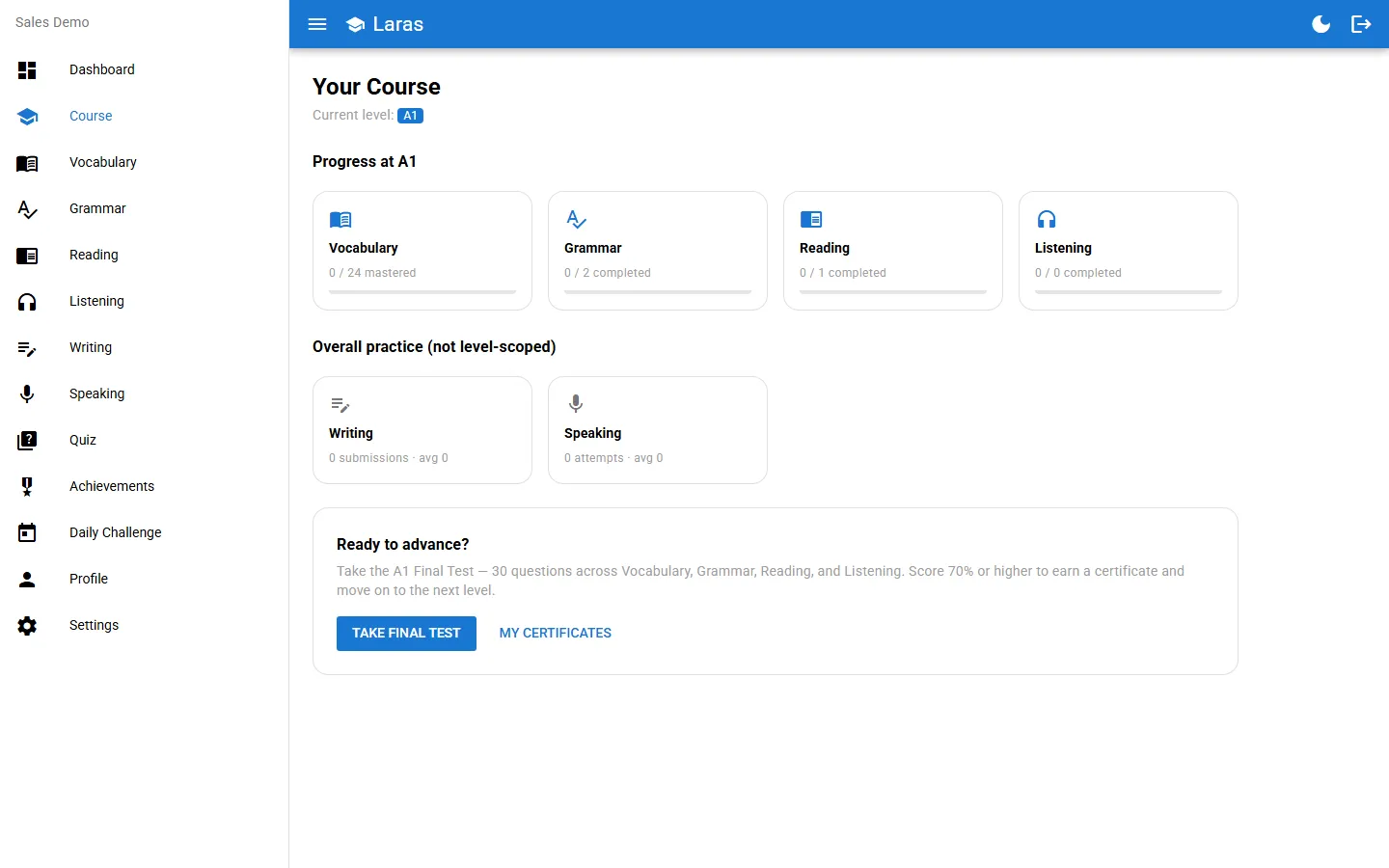
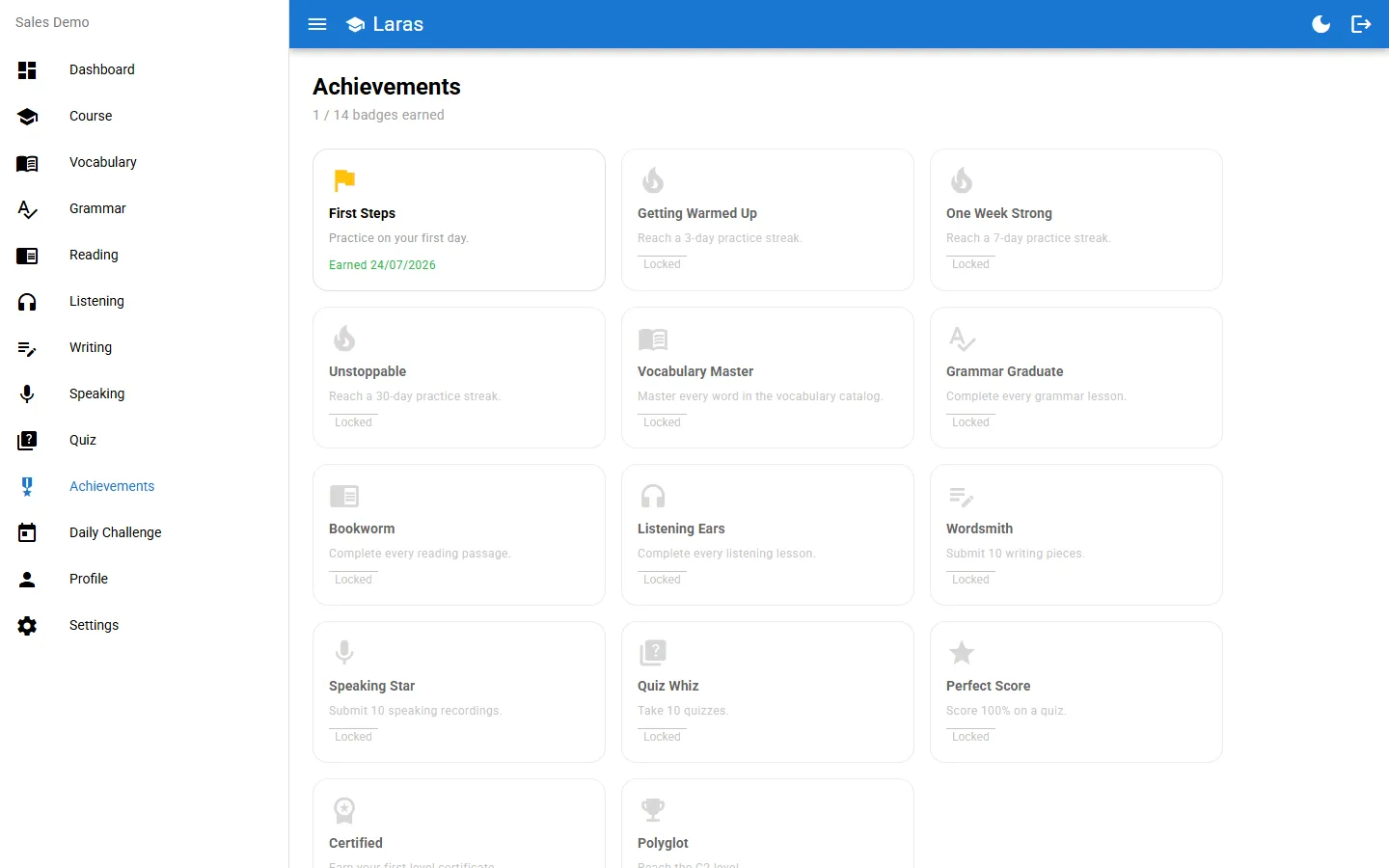
Content is organised from A1 to C2. A 30-question final test with a 70% pass mark unlocks the next level and a printable certificate.
One account across devices
Start on Android, continue on the desktop app. Progress follows the account after it has synchronised.
The same approach can be adapted for
- Employee training apps that work offline
- Course platforms with levels, tests and certificates
- Desktop apps with local data and signed installers
Architecture
This section follows the architecture document kept with the desktop source code.
The desktop build is a Tauri window showing a Vue 3 and Quasar single-page app. The interface never talks to the internet for core features. It calls a Go REST API on 127.0.0.1, which Tauri starts as a sidecar process, and that API reads and writes one SQLite file on disk.
The Go backend follows Clean Architecture with four layers:
- domain holds plain structs and interfaces with no third-party imports.
- usecase implements one business operation per type and depends only on domain interfaces, so rules are unit-tested with in-memory fakes.
- repository/sqlite implements the domain interfaces on top of
database/sql. - delivery/http maps requests to use cases through a chi router and owns DTOs, validation and status codes.
A single composition root wires the concrete types together. Nothing outside it knows which database is in use.
Implementation details
Pure-Go SQLite. The API server uses modernc.org/sqlite, which needs no CGO. That makes the main binary straightforward to cross-compile for Windows and Linux without a C toolchain on the build machine.
Speech in its own process. Vosk does need native libraries. Rather than let that requirement spread, speech recognition is built as a second sidecar binary. CGO stays isolated there and the main server build is unaffected.
Tauri over Electron. The app already ships speech models, so the shell had to be small. Tauri uses the system webview and keeps both install size and memory use down.
Local authentication done properly. Even though the API only listens on loopback, it issues JWTs with rotating refresh tokens stored in a sessions table, and hashes passwords with bcrypt at cost 12. This leaves a clean seam for network clients such as the Android app.
Typed errors. Use cases return a typed application error with a code and message. HTTP middleware maps it to a consistent status, so handlers never hand-pick status codes for business failures.
Feature folders mirror the backend. Each module, for example vocabulary or speaking, is one folder in the frontend and one use case and handler pair in the backend. New milestones add files instead of editing shared ones.
Release pipeline
Pushing a tag that matches app-v* triggers a GitHub Actions workflow that builds both sidecars and the Tauri bundle, then attaches the installers to a draft release. The draft is reviewed before it is published.
What can be verified
- Six desktop releases published between 28 July and 6 August 2026, from v0.1.1 to v0.1.5.
- Windows installers in .exe and .msi format, each with an updater signature and update manifest.
- Available on Google Play, with Android APKs also published for arm64-v8a, armeabi-v7a and x86_64.
- All eleven milestones in the project roadmap are marked complete.
Screenshots